

Regular maintenance is essential for ensuring that your robot vacuum continues to perform properly and lasts for years. Robot vacuums may build up dust, grit, and debris over time, affecting their function. Neglecting to care for your vacuum, like any other device, can result in diminished suction power, navigation troubles, and even full failure. By following basic maintenance procedures, you can keep your robot vacuum in great shape and optimize its cleaning capabilities. This article will explain why maintenance is necessary and what the most crucial activities are for keeping your robot vacuum functioning properly.
Why Regular Maintenance Is Crucial for Your Robot Vacuum?
Regular maintenance ensures that your robot vacuum performs properly and extends its life. Over time, dirt can clog the vacuum’s brushes, filters, and sensors, lowering suction power and cleaning effectiveness. Neglecting maintenance can potentially cause long-term issues, such as worn-out parts or faulty sensors. Cleaning and changing brushes on a regular basis, emptying the garbage, and checking the filters can all help to avoid these problems. Furthermore, keeping the robot’s battery healthy and the sensors working correctly might help your vacuum navigate and clean more efficiently. Routine maintenance helps avoid costly repairs, ensuring your robot hoover provides consistent performance for years to come.
Key Maintenance Tasks for Robot Vacuums
Cleaning and Replacing Brushes
The brushes on your robot vacuum are critical for good cleaning since they assist in agitating dirt and debris for suction. Over time, these brushes may become clogged with hair, dust, and other particles, limiting their efficacy. Cleaning the brushes on a regular basis will help them work optimally. If you see that the brushes are worn or broken, replace them. Depending on the model, new brushes are frequently available straight from the manufacturer. Cleaning and changing the brushes is a simple but important maintenance operation that ensures your robot vacuum takes up debris effectively and performs at its peak.
Emptying the Dustbin Regularly
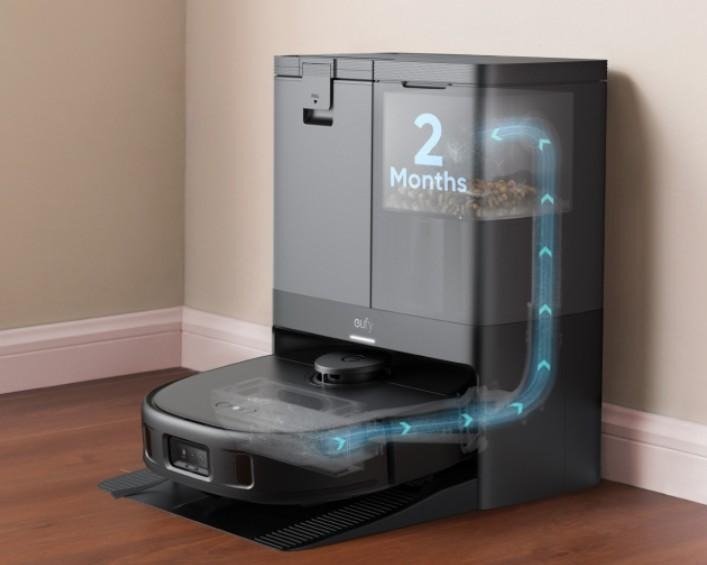
Your robot vacuum’s dustbin collects dirt, dust, and debris while cleaning your home. If left unchecked, the dustbin will soon fill, lowering the vacuum’s suction strength and overall cleaning effectiveness. Regular dustbin emptying is crucial, especially if you have pets or live in a high-traffic region. Depending on the size of the trash can and the amount of filth, dump it after each cleaning cycle or at least once a week. A full dustbin might also cause the vacuum to overheat, resulting in damage. Maintaining a clean dustbin helps your vacuum continue to function properly.
Maintaining the Filters and Sensors
Filters and sensors are essential for the robot vacuum’s ability to clean effectively and explore your home. Over time, filters can get clogged with dust and debris, limiting suction power and air quality. Cleaning the filters every few weeks, or as advised by the manufacturer, helps to preserve the vacuum’s functionality. Some versions include washable filters, but others require replacement after a set number of uses. Furthermore, dust might gather on the robot’s navigation sensors, causing navigation challenges or the vacuum to miss places. Regular cleaning and maintenance of the sensors guarantees that the vacuum continues to move properly, avoiding obstructions and cleaning completely.
Troubleshooting Common Robot Vacuum Issues
Addressing Low Suction Power
Low suction power is a typical issue caused by filthy brushes, a full dustbin, or clogged filters. If your robot vacuum isn’t effectively taking up dirt, the first step is to inspect these components. Clean or replace any clogged brushes with hair or debris, then empty the dustbin to let air circulate freely. Also, examine the filters and clean or replace them as necessary. If these methods do not address the problem, it might be a symptom of a more serious issue, such as a faulty motor. Regular maintenance can help avoid suction issues, but occasional troubleshooting is required to keep your vacuum in good working order.
Dealing with Navigation Problems
Navigation challenges with robot vacuums are prevalent and can be caused by dirty sensors, impediments, or software faults. If your robot is missing parts or becoming stuck, start by checking the sensors for dust or debris accumulation. Clean the sensors with a soft cloth to ensure that they can identify impediments and generate accurate maps. Also, look for any barriers in the robot’s route, such as wires or furniture, that might impede its mobility. If cleaning the sensors does not cure the problem, a software upgrade may be required to enhance the navigation system. Regularly inspecting the robot’s sensors and surroundings can help prevent navigation issues.
Fixing Battery Performance Issues
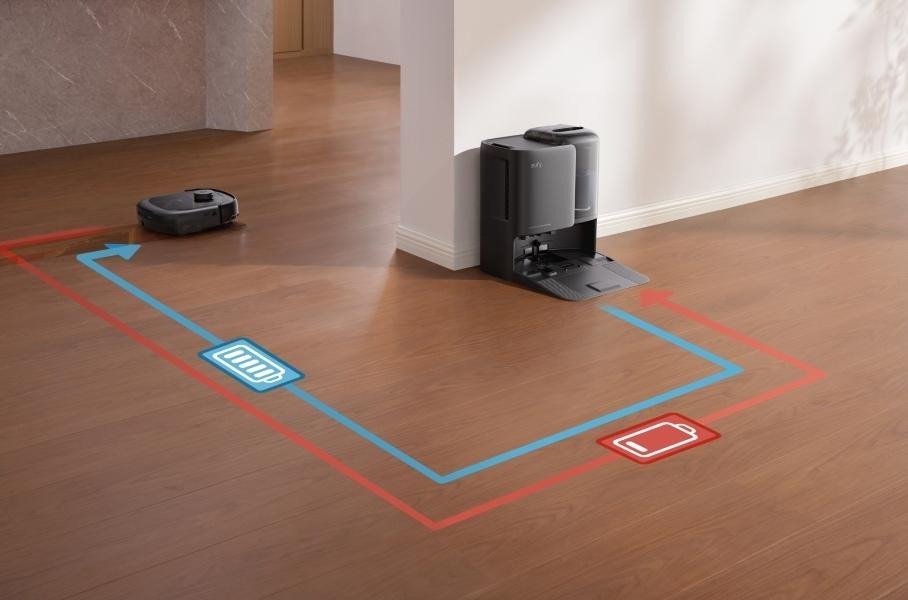
Battery performance concerns might arise if the robot vacuum is used frequently and without sufficient care. If your vacuum isn’t retaining a charge or returning to the charging station, you should examine the battery’s health. Most robot vacuums rely on lithium-ion batteries, which can deteriorate over time if not properly maintained. To extend battery life, ensure that the vacuum is adequately charged and do not allow the battery to completely drain before recharging. Furthermore, if the vacuum takes longer to charge or loses power frequently, it may be time to replace the battery. Regular maintenance, such as correct charging, can help the battery last longer.
Conclusion
Maintaining your robot vacuum is critical to its long-term effectiveness and performance. Cleaning and changing brushes on a regular basis, emptying the dustbin, and maintaining the filters and sensors all contribute to your vacuum’s optimal performance. Troubleshooting typical problems, such as poor suction power, navigation troubles, and battery performance, can help to avoid additional damage and enhance performance. By following these basic maintenance procedures for your robot vacuum, you can enjoy a consistently clean house without having to worry about regular repairs or replacements. Proper upkeep will ensure that your robot vacuum runs well for years to come.